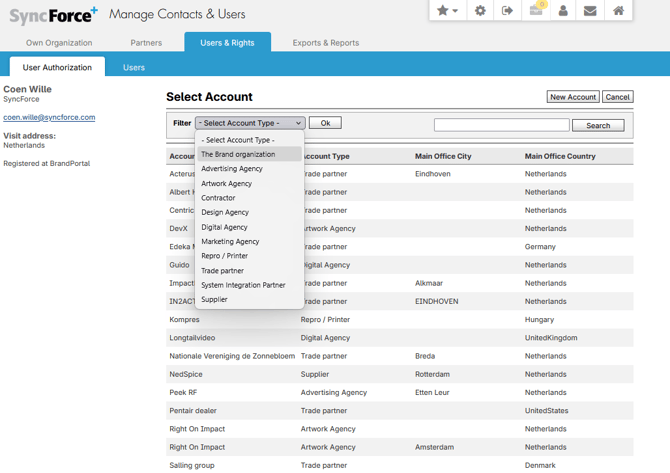
When a new user has registered him-/herself as new user in SyncForce (on the sign in page, click 'Register'), this user can be authorized as new user. This is done in the 'Users & Rights » User Authorization' module in Manage Contacts & Users.
-
Go to the SyncForce Configurator.
- Select Customer.
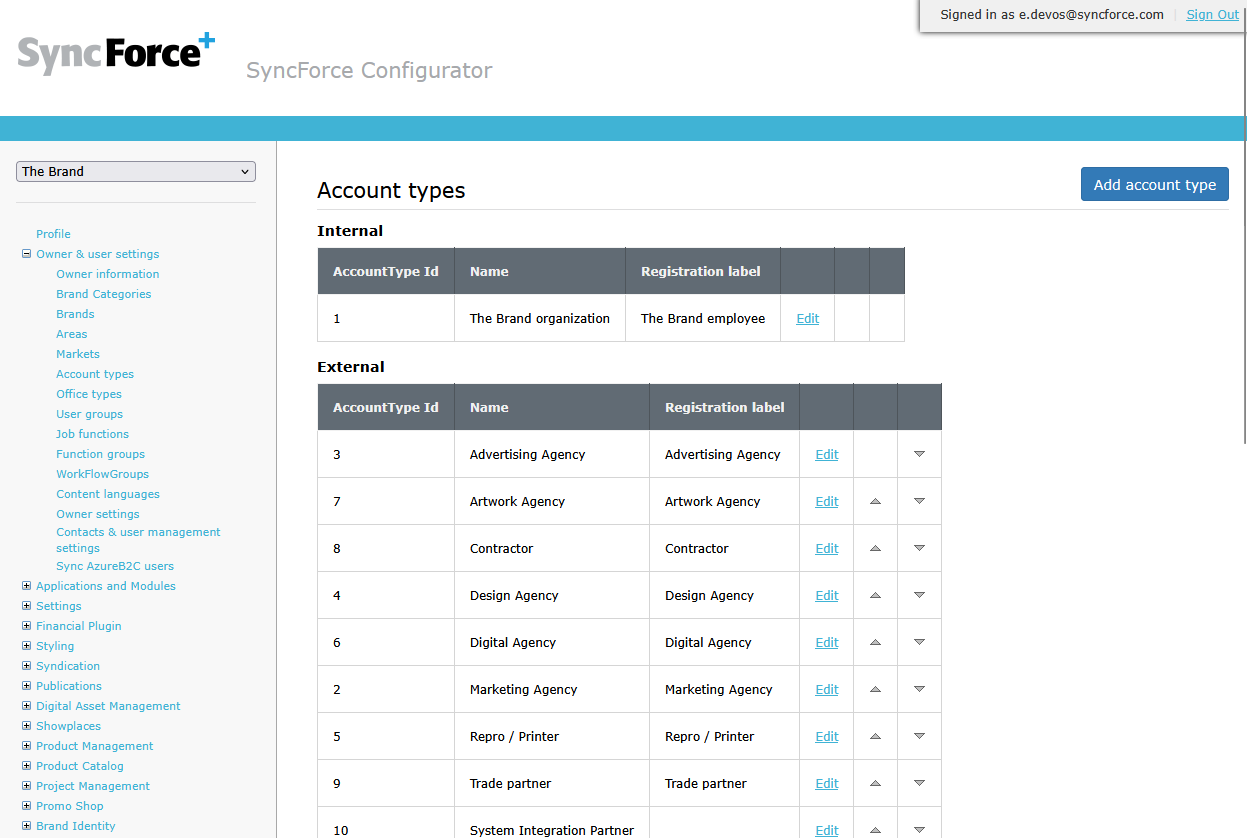
- Go to 'Owner & user settings' » 'Account types'.
- Check the name of the internal account type (Internal section).
-
Sign in on [customer].syncforce.com
- Go to Manage Contacts & Users » Users & Rights » User Authorization
- Click on the new registrant.
- Click on Next >.
- Open the filter dropdownlist and select the internal account type. For example 'The Brand organization' in the screenshot below.